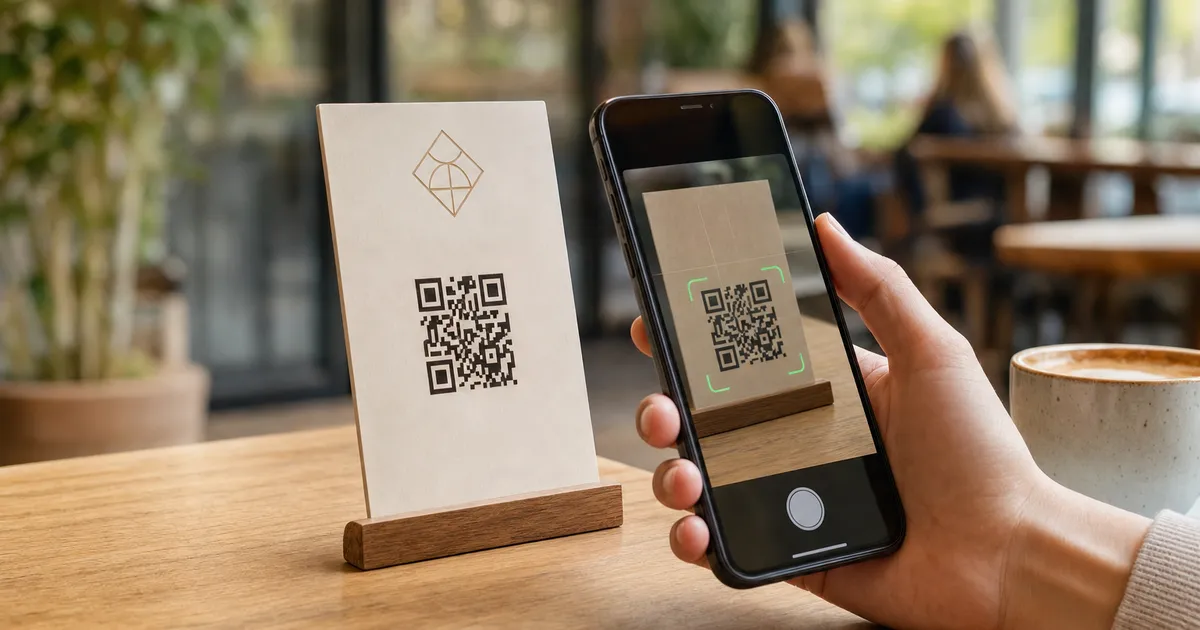
You print menus or business cards with a QR code, and a month later customers say it does not work. The usual reason: the code was "dynamic" and the free trial ended.
The difference
A dynamic QR code holds a short link to the generator's own server, which redirects to your page. When the subscription ends, the redirect stops. A static QR code holds the data itself - your web address, Wi-Fi password or contact - so it works forever, with no account and no subscription.
How to check your QR code
Scan it and look at the address before opening it. If it starts with your own domain, it is static. If it starts with the generator's domain, it is dynamic.
When dynamic makes sense
Dynamic codes let you change the destination after printing and show scan statistics. If you need that and accept a subscription, they are a fair choice. For most small businesses a static code is safer.
What our free generator does
- QR codes for a website, Google reviews, Wi-Fi, Viber, WhatsApp, business card, location, call, email or text
- Your own colours and a logo in the centre
- SVG (for print and engraving) or PNG download
- No registration, no subscription, never expires
Before you print
- Dark on light - the generator warns you when a colour is too light.
- Leave a clear margin around the code.
- Do not make it too small.
- Test with two different phones.
What to do now
Create your QR code in the free generator.