Before choosing a salon, restaurant or repair shop, most people check the ratings on Google Maps. Happy customers rarely leave a review on their own - not because they do not want to, but because nobody asked them at the right moment and made it easy.
Step 1: a Google Business Profile
Reviews are written on your Google Business Profile. If you do not have one, or it is not set up properly, start there - we can register and set it up for you.
Step 2: get your review link
In your Google Business Profile choose "Ask for reviews" and copy the link (g.page/r/…). It opens the review window directly.
Step 3: turn the link into a QR code
Open our free QR generator, choose "Google reviews" and paste the link. Pick colours, add your logo and download SVG or PNG - free, no registration. The code is static, so it never expires.
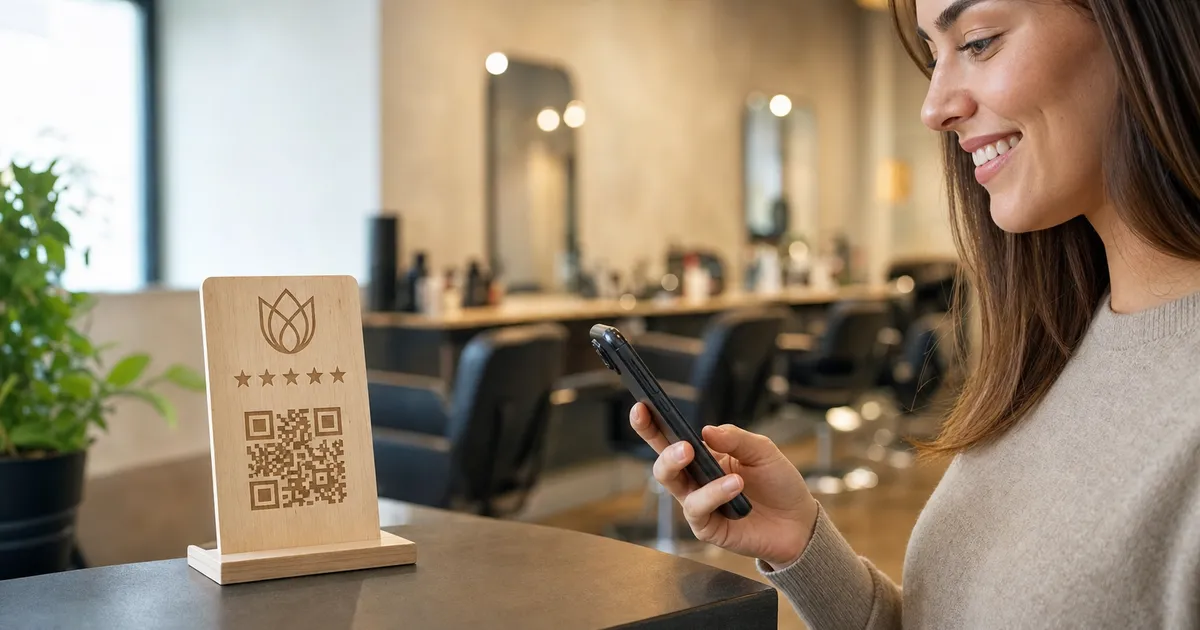
Step 4: put the QR code where customers are happy
- At the till or reception
- On restaurant and café tables
- On the business card you hand over after the service
- In the hotel or guest house room
A sign that looks good
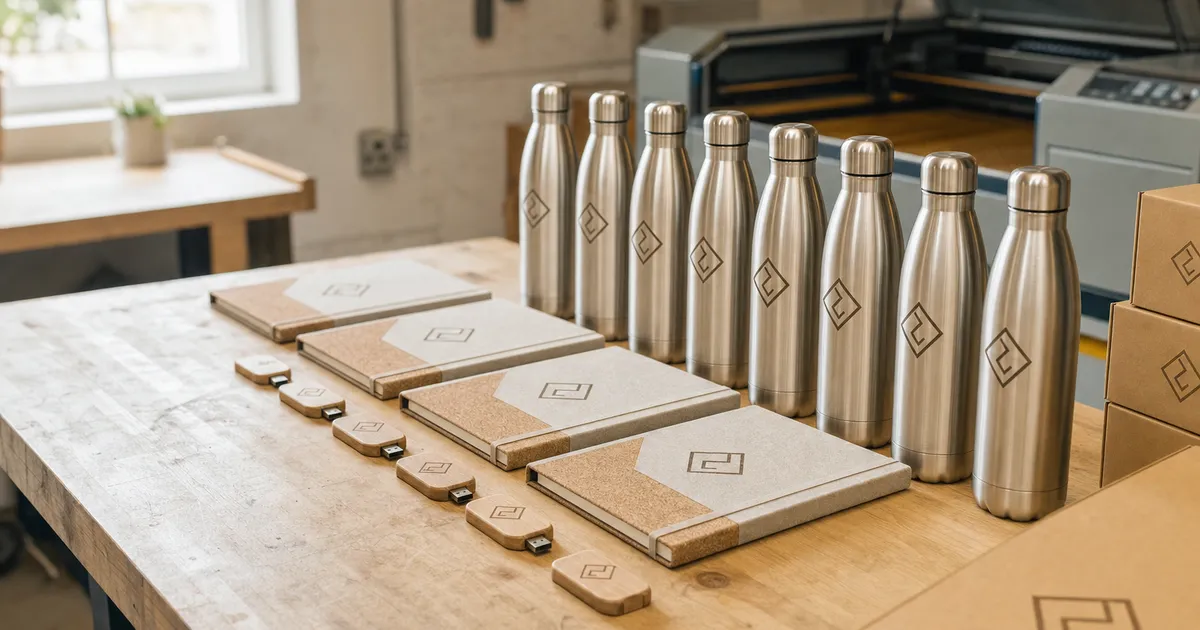
The QR code can be ordered laser-engraved on plywood or artificial leather: table stand, QR cube, wall sign, keychain or business card. Price on request - we reply within one working day with a price and a free visualisation. Engraved wooden business cards start at €0.80 per piece for 50 and €0.60 for 200.
What not to do
- Do not buy fake reviews - Google removes them and can penalise the profile
- Do not offer rewards or discounts for reviews - Google policies forbid it
- Do not ignore negative reviews - reply calmly and to the point
What to do now
Copy the review link from your Google profile and create a QR code in the generator. It takes about five minutes.